White-label AI for Hidoba’s client
We built a white-label solution for a Hidoba Research client using Hidoba’s AI engine. Professionals can configure and publish an assistant, manage subscriptions and call purchases, and follow up on flagged conversations.
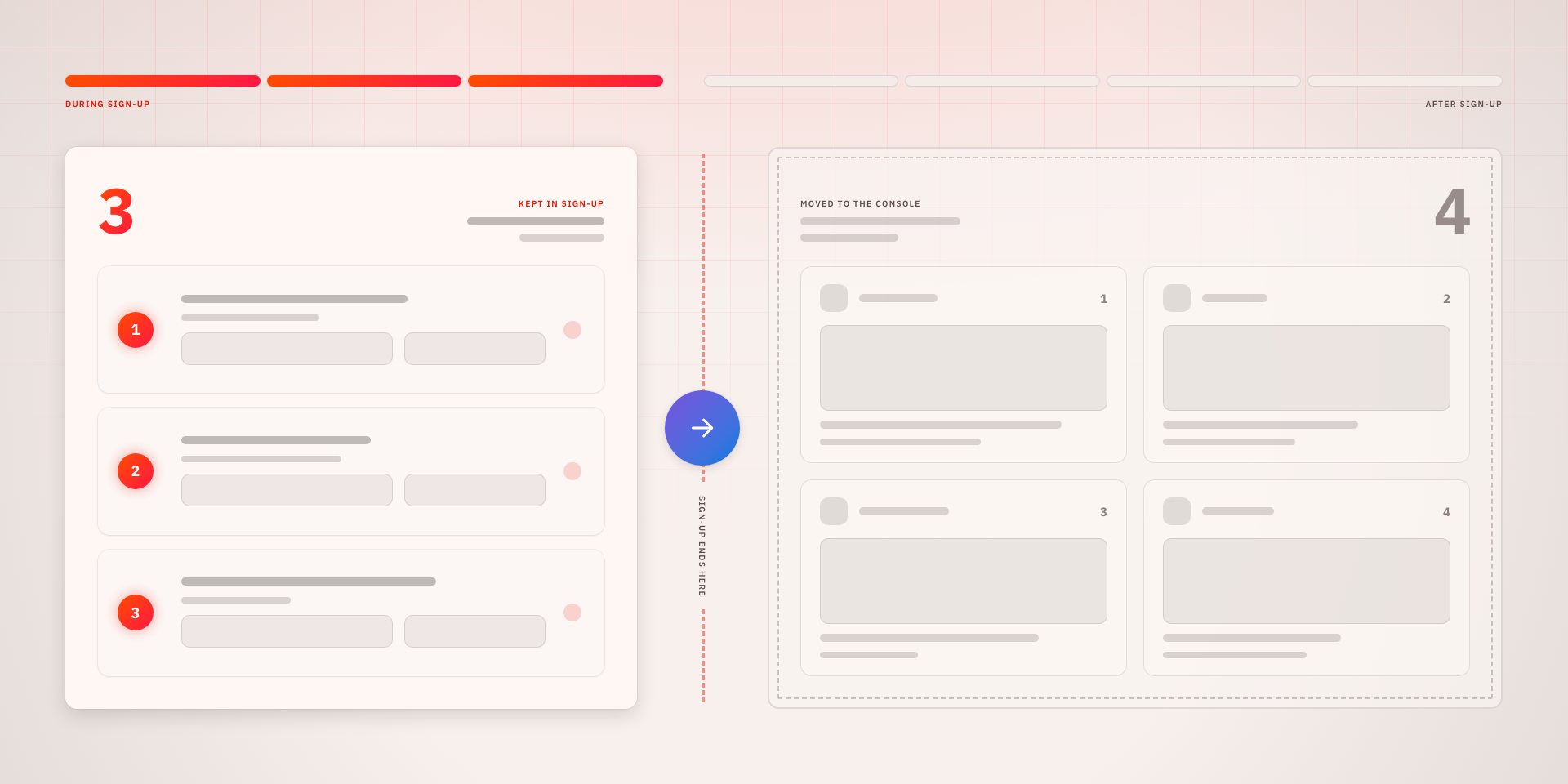
A client’s service built on Hidoba’s engine
A Hidoba Research client needed an AI service under their own brand. Independent professionals would use it to configure an assistant, make it available to subscribers and manage the service around it. We built the application using Hidoba’s AI engine, white-labelled for that client.
Hidoba supplied the underlying engine. Our work covered the setup, billing and professional and subscriber workspaces that made it usable as the client’s service. That also meant giving professionals a way to follow up personally when an AI conversation needed their attention.
When is an assistant ready to publish?
Opening an account was only part of getting started. A professional also needed to define the assistant, supply its knowledge, set up and test its voice, and choose how to charge for calls. We built a guided onboarding flow that carries this work through to review and publication, with progress that can be saved and revisited.
Some setup depends on background processing. Uploaded knowledge or a voice can still be processing after the professional has supplied everything needed. We made the distinction visible, showing what still needs attention and what is waiting on the system. A dashboard checklist brings the remaining work together, so publication readiness is judged against the actual setup state.
A place for the professional in an AI conversation
The service also needed a way to bring questions back to the professional. We connected questions flagged during AI chats and calls to the professional workspace, where they can be reviewed and answered. The answer appears in the subscriber’s ongoing conversation, keeping the professional’s follow-up with the original question.
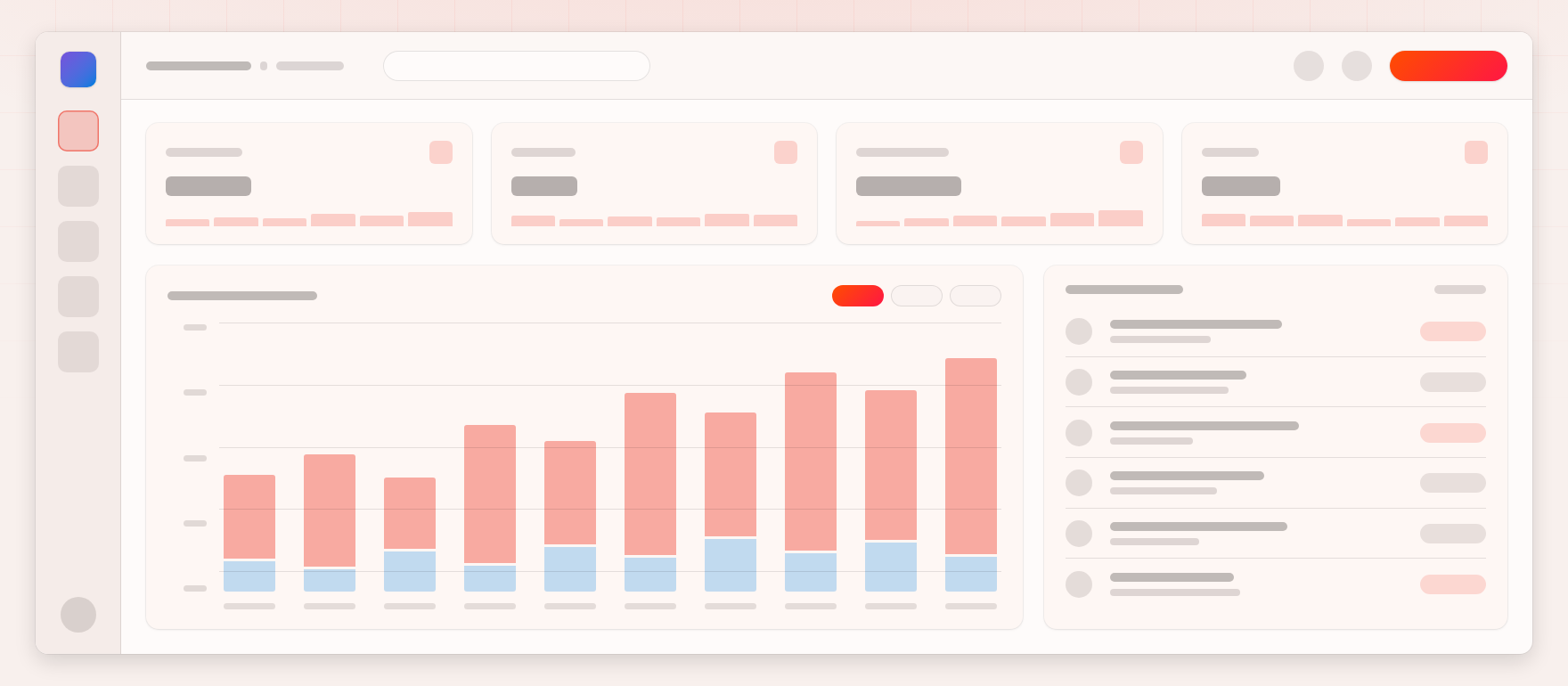
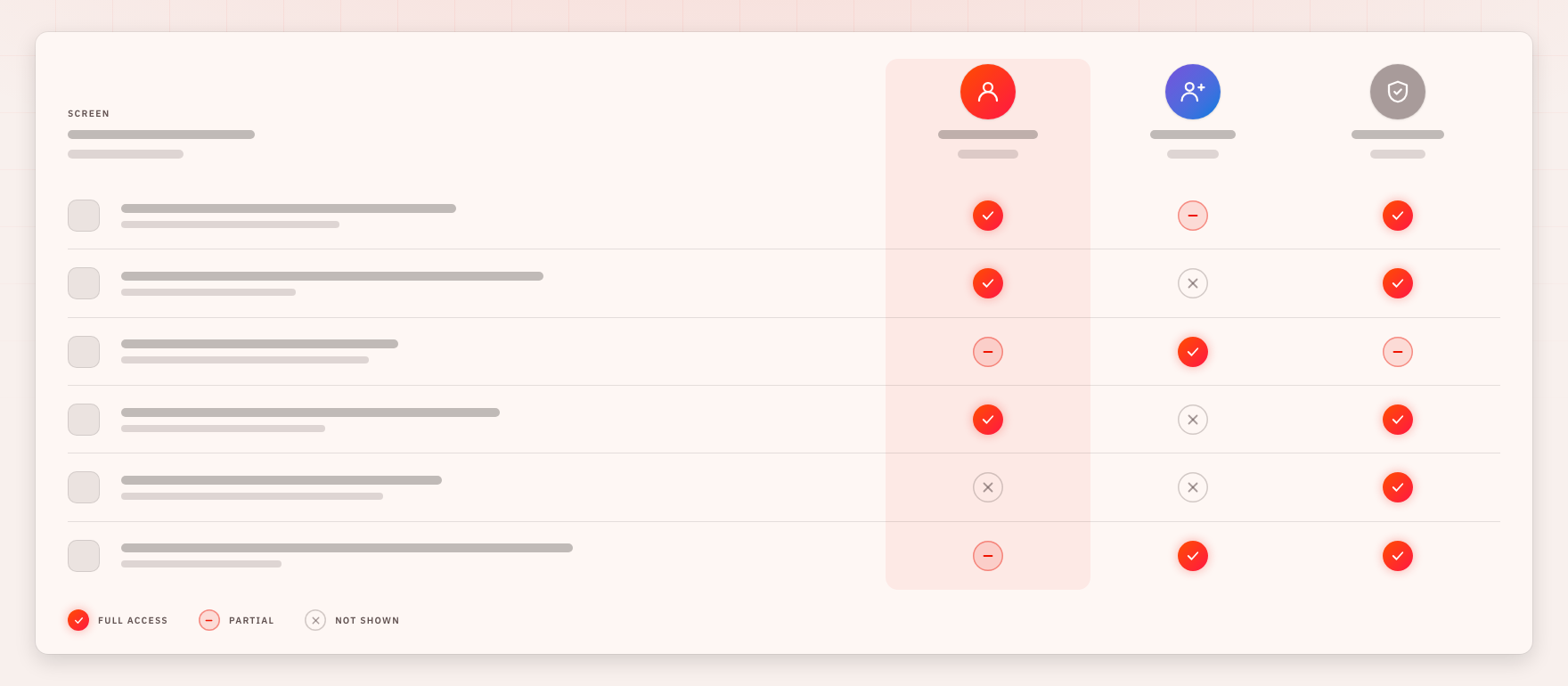
We organised the workspaces around that relationship. Professionals can review their clients, earnings and questions; subscribers can return to conversations, check usage and access their sessions. Invitations and public profiles lead to the appropriate professional and workspace. Access rules keep private notes and account information within the intended relationship.
Connecting usage to payment and earnings
We integrated subscriptions and one-off call purchases, with call pricing set by the professional and a purchase catalogue managed by administrators. When a balance is insufficient, the interface prompts the subscriber to purchase access. The payment flow connects a completed purchase to the usage it funds, while earnings views show the professional’s revenue from subscriptions and calls.